
CATEGORIES
BRANDS
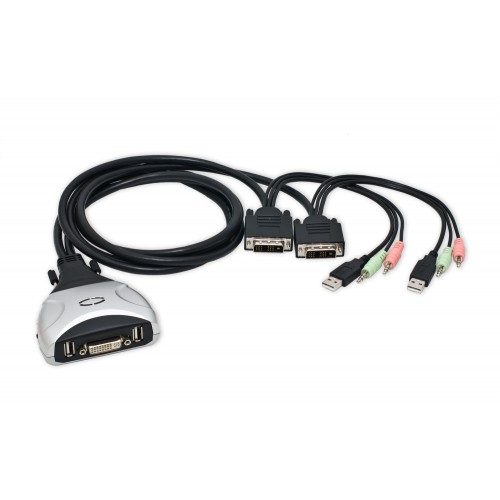
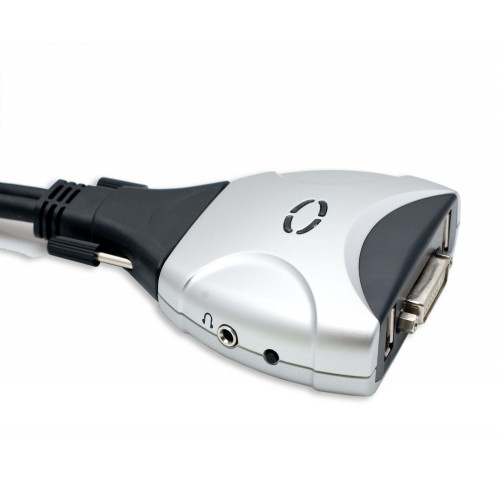
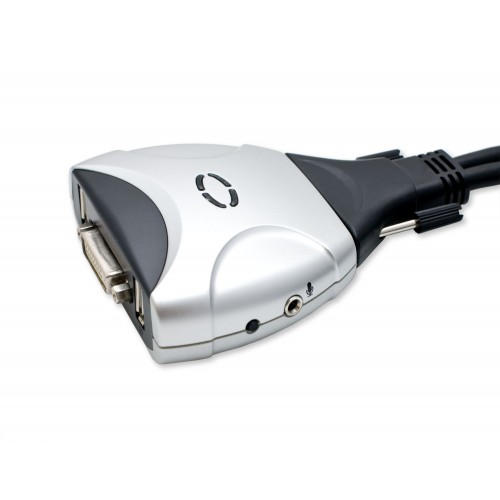
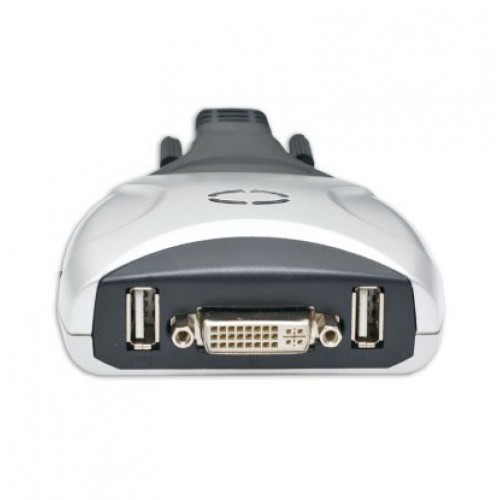
2 Port DVI KVM Switch with USB 2.0 and Audio Support - SY-KVM20075
Part Number: SY-KVM20075 Brand: Syba
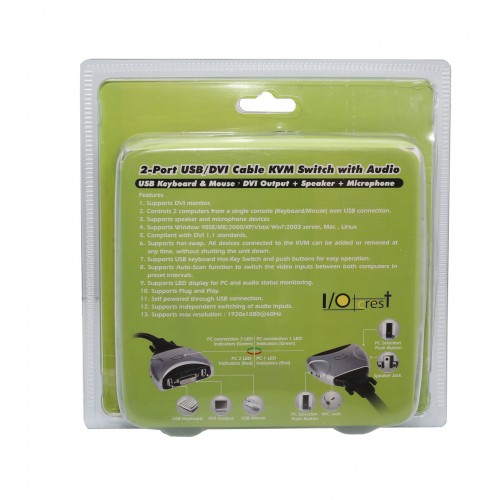
- Product features: Supports Speaker and Microphone. Emulates a keyboard on each PC to allow computers to boot normally without a keyboard error. Detachable Cables. Connect and Play, Out of Box Ready to Work.
- Design and configuration: Connect and Play, Out of Box Ready to Work. Supports DVI Monitor. Compliant with DVI 1.1 Standards. Supports Hot-Swap. All Devices Connected to the KVM can be Added or Removed at Any Time Without Power Off.
- Technical highlights: Supports Hot-Swap. All Devices Connected to the KVM can be Added or Removed at Any Time Without Power Off. The Syba SY-KVM20075 2 Port VGA, and USB 2.0 KVM switch provides a business class KVM that can manage four computers with just one set of keyboard.
- Setup and application: monitor, mouse, speakers, and microphone. Two additional USB ports enable additional peripherals sharing such as printer and thumb drive. OS SUPPORTED. All windows OS. Mac OS. Linux.
- Specifications overview: All windows OS. Mac OS. Linux. Supports Speaker and Microphone. Emulates a keyboard on each PC to allow computers to boot normally without a keyboard error. Detachable Cables.
The Syba SY-KVM20075 2 Port VGA and USB 2.0 KVM switch provides a business class KVM that can manage four computers with just one set of keyboard, monitor, mouse, speakers and microphone. Two additional USB ports enable additional peripherals sharing such as printer and thumb drive
OS SUPPORTED:
All windows OS
Mac OS
Linux
Package Information
Package Dimensions: L 3.00 × W 7.50 × H 8.00 in
Package Weight: 1.30lb
UPC: 810154016044
Package Content
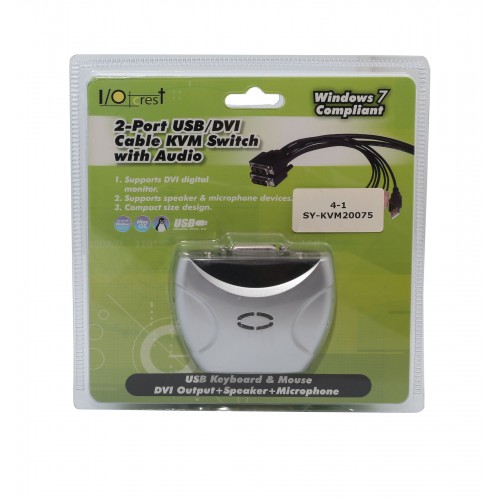
- 2-port DVI/USB KVM Switch with Audio and Cables
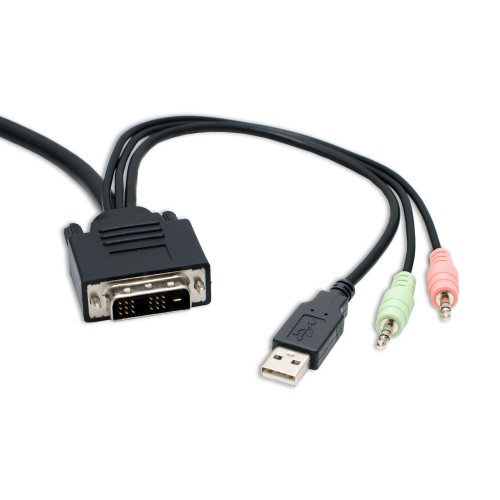
- Detachable Cable Set (4FT.)
- User’s Manual
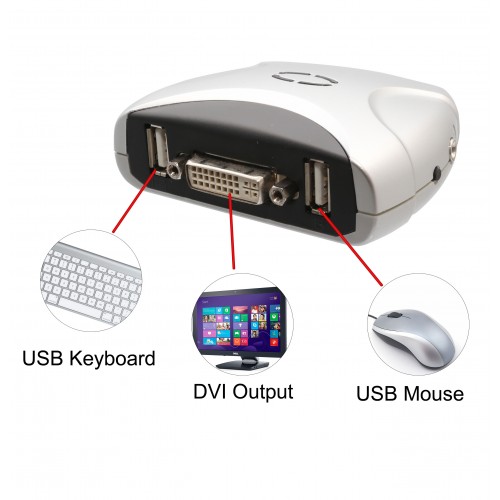
DVI Video Output
2 USB Port
Audio 3.5mm Port (Optional)
| TYPE | OS | LANGUAGE | VERSION | FILE |
| Manual | User Manual | English | 1 | Download |
Techincal Question
If you have any technical questions or need troubleshooting please contact us here
General Inquiry
If you have any technical questions or need troubleshooting please contact us here
General Inquiry
| Please describe your question below and press the submit button. Our Syba team will reply as soon as possible. |